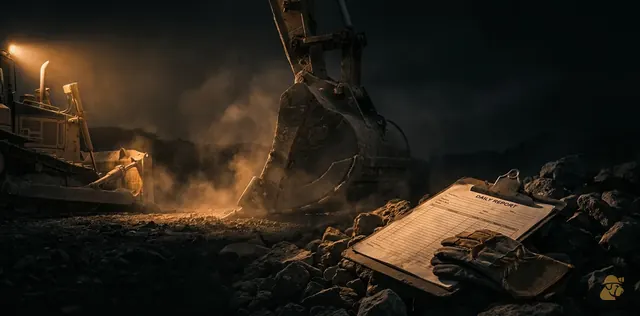
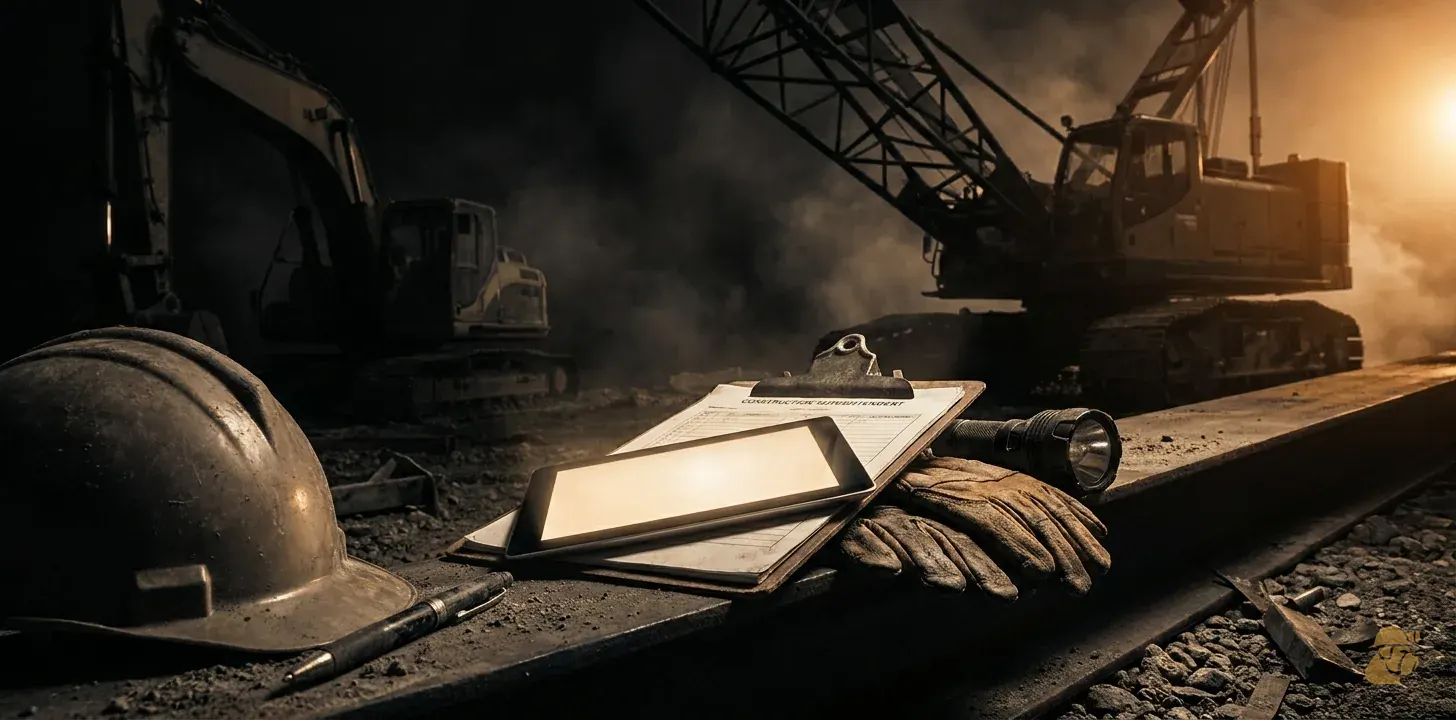
A superintendent's daily report is a same-day written record of the site: who worked, what equipment ran, what was built, what stopped the work, and who gave direction. Write it before you leave site, from facts you saw, with times and quantities instead of adjectives.
The office calls when an entry is missing, vague or contradicts another record. Fill the same fields every day, write "none" instead of leaving a blank, and tie each number to how you measured it. A report written that way answers the questions before anyone asks them.
Worked example
These inputs are assumptions for illustration, not measurements. Replace each with your own. Say you run 4 sites, each files 1 report per working day, and you work 6 days a week. Say the office spends 20 minutes per report on retyping and chasing missing items, at a loaded office rate of $40 per hour, over 50 working weeks a year.
| Step | Calculation | Result |
|---|---|---|
| Reports filed per week | 4 sites x 1 report x 6 days | 24 reports per week |
| Office minutes per week | 24 reports x 20 minutes | 480 minutes per week |
| Office hours per week | 480 minutes / 60 | 8 hours per week |
| Cost per week | 8 hours x $40 per hour | $320 per week |
| Cost per year | $320 x 50 weeks | $16,000 per year |
Answer: On these assumed inputs, handling and chasing daily reports costs the office 8 hours and $320 a week, or $16,000 a year. Put your own site count, minutes and rate into the same five steps to size your exposure.
Start with the shift, in the order it happened
Open every report with the same header block: date, site, job number, your name, shift start and end. Then write the day as a timeline. Someone who was not there should be able to follow it from first truck to last.
Keep the fields fixed. If today's report has a weather line and tomorrow's does not, the office cannot compare days. A fixed layout also shows a missing item at a glance. For a ready-made layout, a worked daily report form for mining and civil crews lays out the fields in order.
One rule matters most: never leave a field blank. Write "none" or "n/a". A blank looks like something you forgot. "None" is a recorded answer, and it is the one the office would otherwise phone you to get.
Weather and ground: record what changed the work
Weather matters only when it changes the work. Skip "nice day". Write what happened and for how long: "Rain 06:00 to 09:30. Haul road closed to loaded trucks until 10:15."
Use clock times. "Heavy rain" means different things to different people. "Stopped work 06:00 to 09:30" does not.
Record ground and surface conditions the same way. Soft subgrade, a washed-out ramp, standing water in a cut. Note where it was, what you did about it, and who you told. These entries often explain a production shortfall weeks later, when nobody remembers the road was closed.
Labor: names, hours and what each crew did
List each crew, the number of people, their hours on site and the task they worked on. Include subcontractors and their headcount. If someone left early or arrived late, say so and say why.
Labor hours are the base of your cost reporting. If the report says "crew of 6, 10 hours" and the timesheet says 5 people, the office has to chase the difference. Match the two before you sign.
Name the task along with the crew. "Haul crew" tells the office nothing. "Haul crew, stockpile 2 to crusher feed" tells them where the hours belong.
Equipment: hours, status and the operator's checksheet
For each machine, record hours worked, hours standing and hours down. For anything down, record the reason and the time it went down. "Loader down" is a complaint. "Loader down 13:20, hydraulic hose, mechanic called 13:25" is a record.
Operator checksheets feed this section. The MSHA Small Mine E-Guide, under 56.14100 Mobile Equipment, prints daily checksheets for a motor grader, a truck and a wheel loader. The truck sheet (Caterpillar 771D) runs 23 line items, from engine level and leaks through brakes, back-up alarm, lights and transmission (MSHA Small Mine E-Guide, 56.14100 Mobile Equipment, p. 85). The grader sheet (14G) is on p. 84 and the 980G loader sheet is on p. 86. Each ends with the same line: "Is your unit clean and safe!! If not have corrected immediately."
Your report does not need to repeat every line. It needs to agree with them. If the operator marked the brakes as a defect, your report should show that unit down or repaired, with times. When the sheet and the report disagree, a reviewer will believe neither. The regulation behind these sheets is in 30 CFR Part 56 on eCFR for surface metal and nonmetal operations.
Quantities: measured, not rounded
Most callbacks to the office are about quantities. Record what was moved or placed, in the unit the contract uses: loads, tonnes, cubic yards, meters, square yards. Then say how you got the number.
Three bases cover most cases:
- Counted: truck tickets or load counts. State the count and the ticket range.
- Surveyed: a measured quantity from a survey or a check against plan. State who measured it.
- Estimated: your own judgment. Mark it "est." and say what it is based on.
Mix these without labels and a rounded guess ends up on an invoice as a measured fact. A report that says "about 2,000" in one place and "1,950 per tickets 4401 to 4448" in another is honest. A report that gives both as plain numbers is not.
Attach each quantity to a work area and a cost code. A number with no code cannot become a unit cost. Cost codes that turn daily reports into unit cost covers how to set that up so your hours and your quantities land in the same bucket.
Delays, direction and visitors
This section protects your money, so give it the most care.
For every delay, write four things: start time, end time, cause, and who caused it or who was told. "Waiting on owner's survey crew, 08:00 to 10:30, told site rep by radio at 08:10." That single line can support a claim. "Delayed in the morning" cannot.
Record every instruction you receive that changes the work: who gave it, when, what they said, and whether it was written or verbal. A verbal direction you never wrote down is one you cannot prove. If the instruction changes scope, flag it that day, not at month end.
Log visitors, inspectors and anyone who stopped or started work. Note their name, company, time on site, and what they asked for. If a visitor told you something on a walk-through, put it in.
When a dispute arrives, these entries are the evidence. How daily reports win or lose back-charges shows what a reviewer looks for. The short version: contemporaneous, specific and consistent beats detailed but written later.
Safety, inspections and incidents
Record the safety items that happened, not a generic "safety OK". Give the toolbox talk topic and attendance, inspections you or others carried out, near misses, and incidents with time, place and who was notified.
On a regulated mine site, the examination record has its own rules. The MSHA Program Policy Manual, Volume V, covers daily on-shift examinations by certified persons and the reports of inspection under 77.1713 Daily Inspection of Surface Coal Mines; Certified, p. 210. That section applies to surface coal mines. The text is in 30 CFR Part 77 on eCFR. Other sites follow their own regulation, contract and state rules, so check which applies to yours.
Keep the formal examination record where the rules say it belongs. In your daily report, note that it was done, by whom and when, and where the record is filed. Do not paste a second copy that can drift out of step with the first.
Habits that keep the log complete
A complete log comes from habits. A longer form will not fix it.
1. Write before you leave. Fifteen minutes on site beats an hour at home, because the details are still fresh. A report written the next morning is a reconstruction. 2. Take notes through the day. Use a pocket notebook or phone notes with times. Then you are copying, not remembering. 3. Photograph and stamp. A photo with a time and a location backs a delay or a condition better than a paragraph does. 4. Facts, not feelings. "Owner's rep was unhelpful" is an opinion. "Rep declined to sign the change form at 14:00" is a fact. 5. Never overwrite. If you find an error, add a dated correction below the original. A report that was quietly changed loses its value as evidence. 6. Sign it. A signature and a time of completion make it a record rather than a draft.
If the report has to leave the site for typing, make it a copy the office can read without calling you. Print clearly. Write numbers the same way every time. Wet paper and crushed handwriting are the most common reason for a callback that has nothing to do with the work itself.
Why the office calls, and what it costs
Look at the last ten times the office phoned you. Most trace to a short list: a missing quantity, an unclear delay, a crew count that does not match the timesheet, or a machine that vanished from the report with no explanation.
Each call costs the office a retype or a chase, and costs you time that should be on site. The worked example above puts a number on it using assumed inputs: 24 reports a week at 20 office minutes each is 8 hours. Your numbers will differ. The reporting chain cost calculator lets you enter your own site count, minutes and rate.
That figure covers only the handling of reports. It leaves out the cost of a delay you could not prove or a quantity you could not support. Those are larger and harder to size.
A check before you sign
Run these questions on every report before you sign it.
- Could someone who was not here rebuild the day from this page?
- Is every field filled, with "none" where nothing happened?
- Does every quantity say whether it was counted, surveyed or estimated?
- Does every delay have a start, an end, a cause and a name?
- Do crew hours match the timesheet and machine status match the checksheets?
- Is every instruction recorded with who gave it and when?
- Is the report signed and dated?
If one answer is no, fix it now. The cheapest time to close a gap is before the next shift, while you are still standing on the ground you are describing.
Run your own numbers
The reporting chain cost calculator does this arithmetic for you and shows its working. The rest of the set is on the mining calculators page.
Common questions
How to Keep a Construction Daily Log?
Write it the same day, before you leave site, using one fixed layout. Fill every field every day and enter "none" where nothing happened. Record times, counts and quantities, and say how each was measured. Never edit an old entry. If you find an error, add a dated correction underneath so the original stays readable.
What is a Construction Daily Log?
A construction daily log is a dated record of one day on site. It lists weather, crews and hours, equipment status, work completed and quantities, delays, instructions received, visitors and safety items. It is written by the superintendent, kept in sequence, and used later to settle disputes, support invoices and show what actually happened.
Why Gaps in a Daily Log Matter?
A gap forces someone to rebuild the day from memory, and memory is weakest when a dispute arrives months later. A missing delay entry can weaken a claim, and a missing quantity can stall an invoice. Gaps also trigger phone calls, which cost both the office and the field time.
Getting this off paper
Most contractors already know these numbers. The cost is in re-keying them into a report, then a timesheet, then an invoice. If that is where your week goes, book a 20-minute call and we will look at your actual paperwork.